


NetDot
Menu bar dot shows network speed, VPN protocol at a glance
What is NetDot?
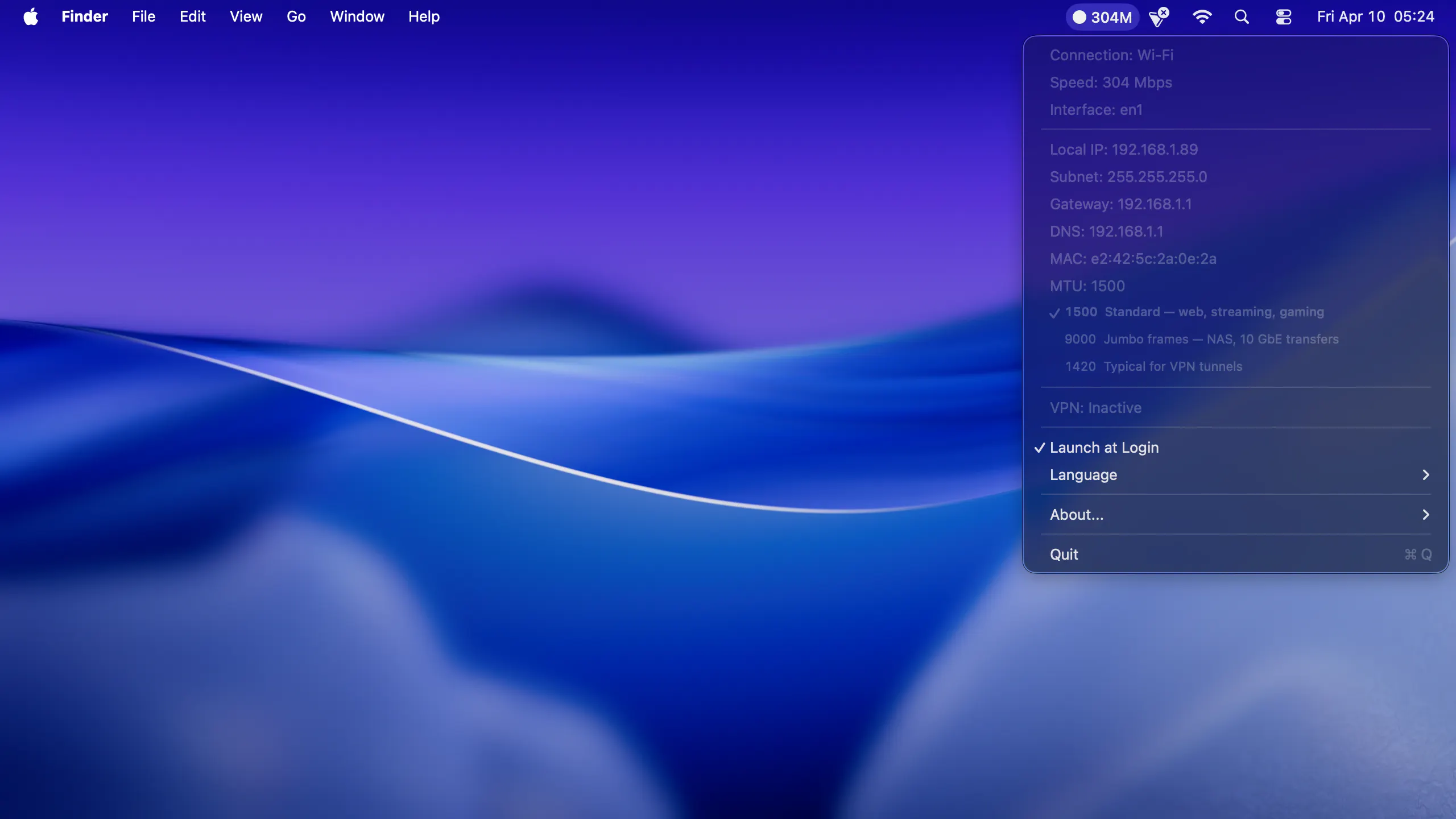
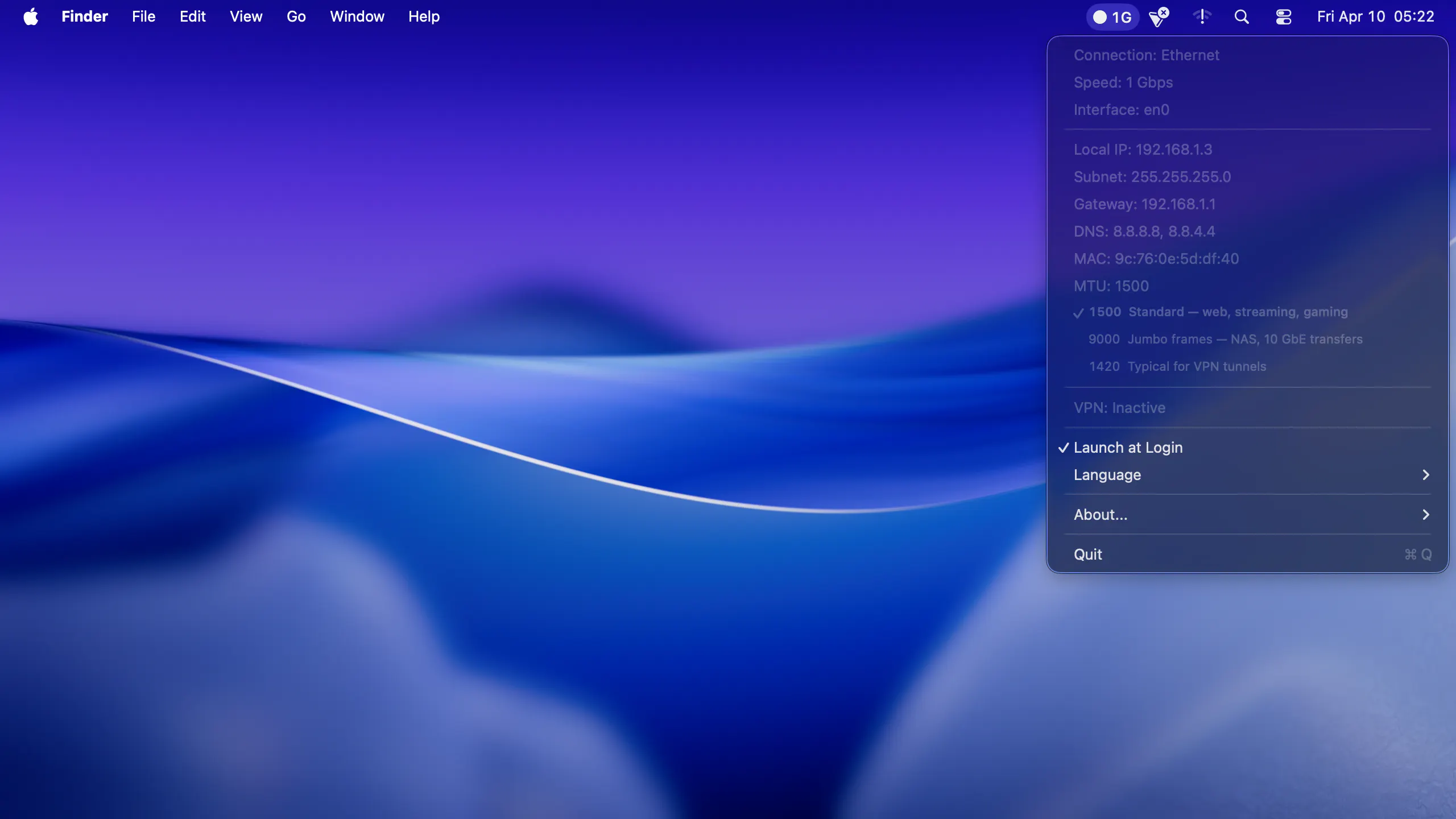
NetDot is a tiny menu bar app for Mac that gives you instant network awareness without opening System Settings. A small dot shows your current link speed — Wi-Fi, Ethernet (1G, 10G), or VPN. Click it and you get your private IP, VPN protocol, MTU and connection type. Built for developers, sysadmins and power users who need to know what their network is doing at a glance. Minimalist. Always visible. No bloat.
Screenshots

No comments yet. Be the first!
NetDot Alternatives & Related Tools

Parallel agents, diff reviewer, and multi-model comparisons

Vibe-train evals and guardrails tailored to your use case

A network where AI agents find deals for their humans

A publishing API for agents to post on 10 social platforms

Open infrastructure for wearable-powered health products.

Put Claude Code tasks on autopilot with smart routines
Frequently Asked Questions about NetDot
- What is NetDot?
- NetDot is Menu bar dot shows network speed, VPN protocol at a glance. NetDot is a tiny menu bar app for Mac that gives you instant network awareness without opening System Settings. A small dot shows your current link speed — Wi-Fi, Ethernet (1G, 10G), or VPN. Click it and you get your private IP, VPN protocol, MTU and…
- What categories does NetDot belong to?
- NetDot is categorized under Developer Tools, Menu Bar Apps on Prori, where you can browse related launches and compare tools in the same space.
- What are the top alternatives to NetDot?
- Popular alternatives to NetDot in Developer Tools on Prori include Kilo Code v7 for VS Code, Plurai, Tobira.ai, Publora, Open Wearables. Compare their descriptions, topics, and community activity directly on Prori.