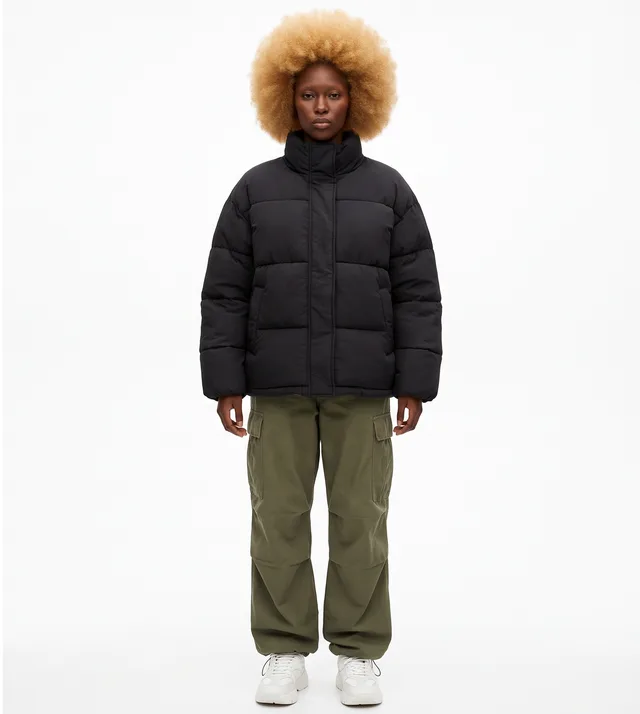

Keep the motion and camera work from a reference video, then swap in your own character, product or outfit. Add two inputs and generate your version.
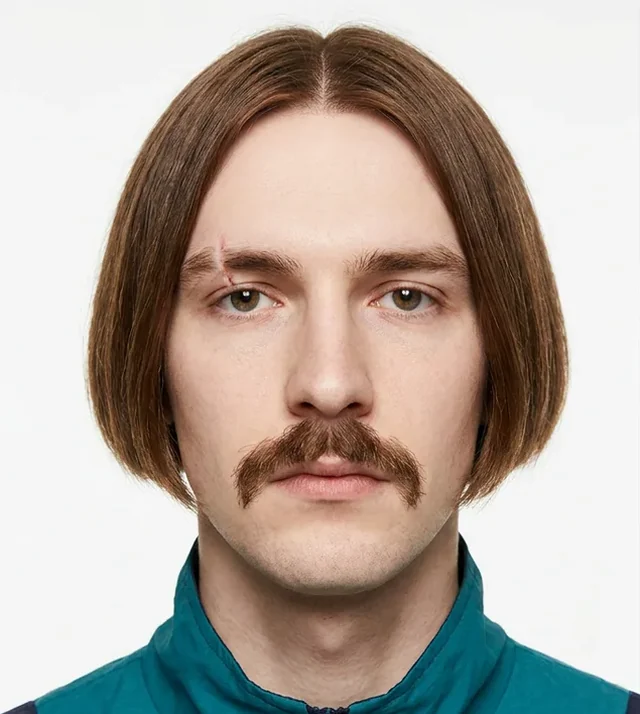
You'll sign in when you generate. Your files and settings stay here.
Upload a 4–30 second clip, or pick a motion you like from the library.
Upload images of a person, product or outfit, or choose a character you already made.
Choose motion transfer or object swap, pick a model and quality, check the credit estimate, then generate.
Featured motions are ready to use. Open one and give it to your character.
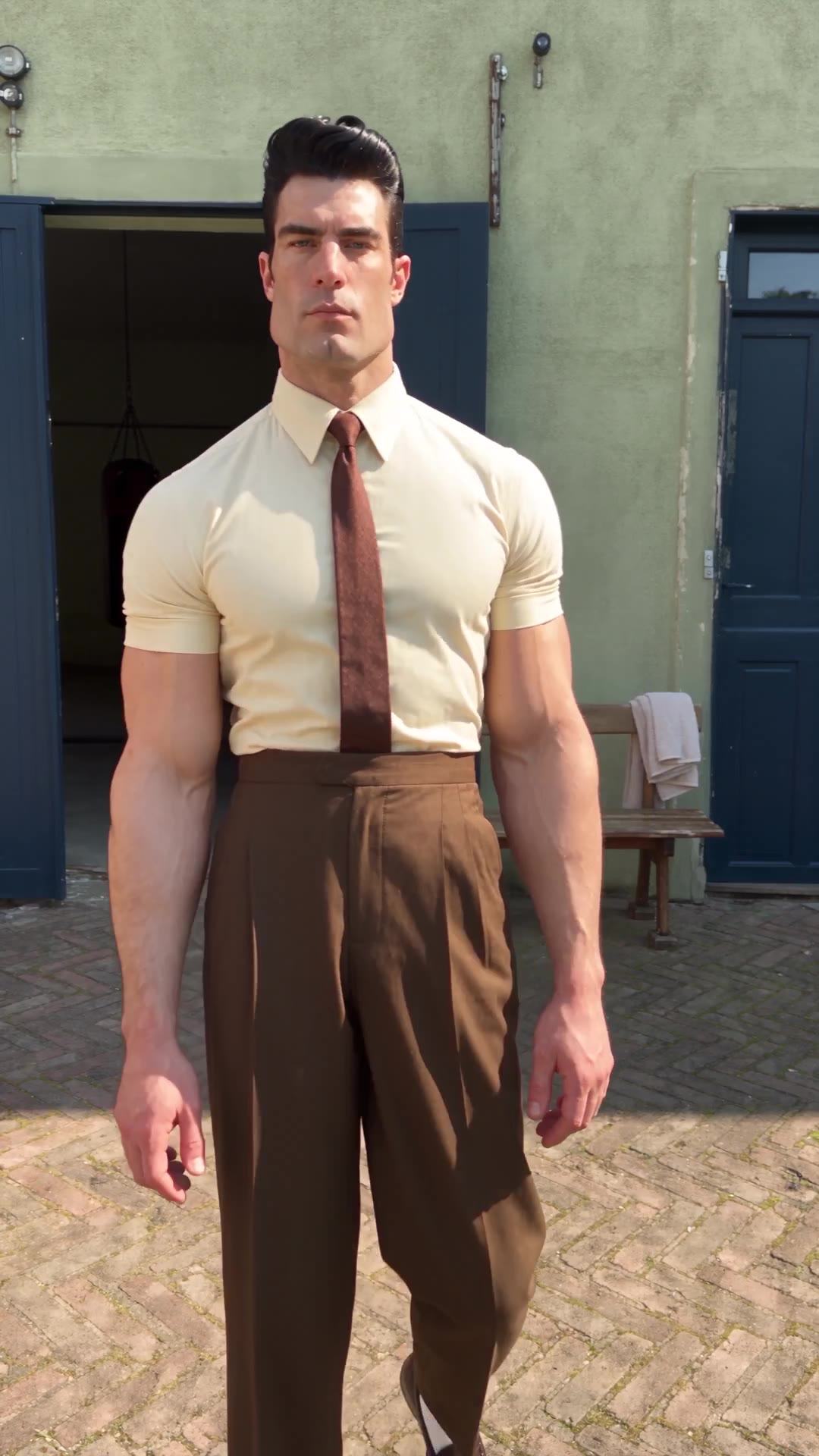 Courtyard Dance
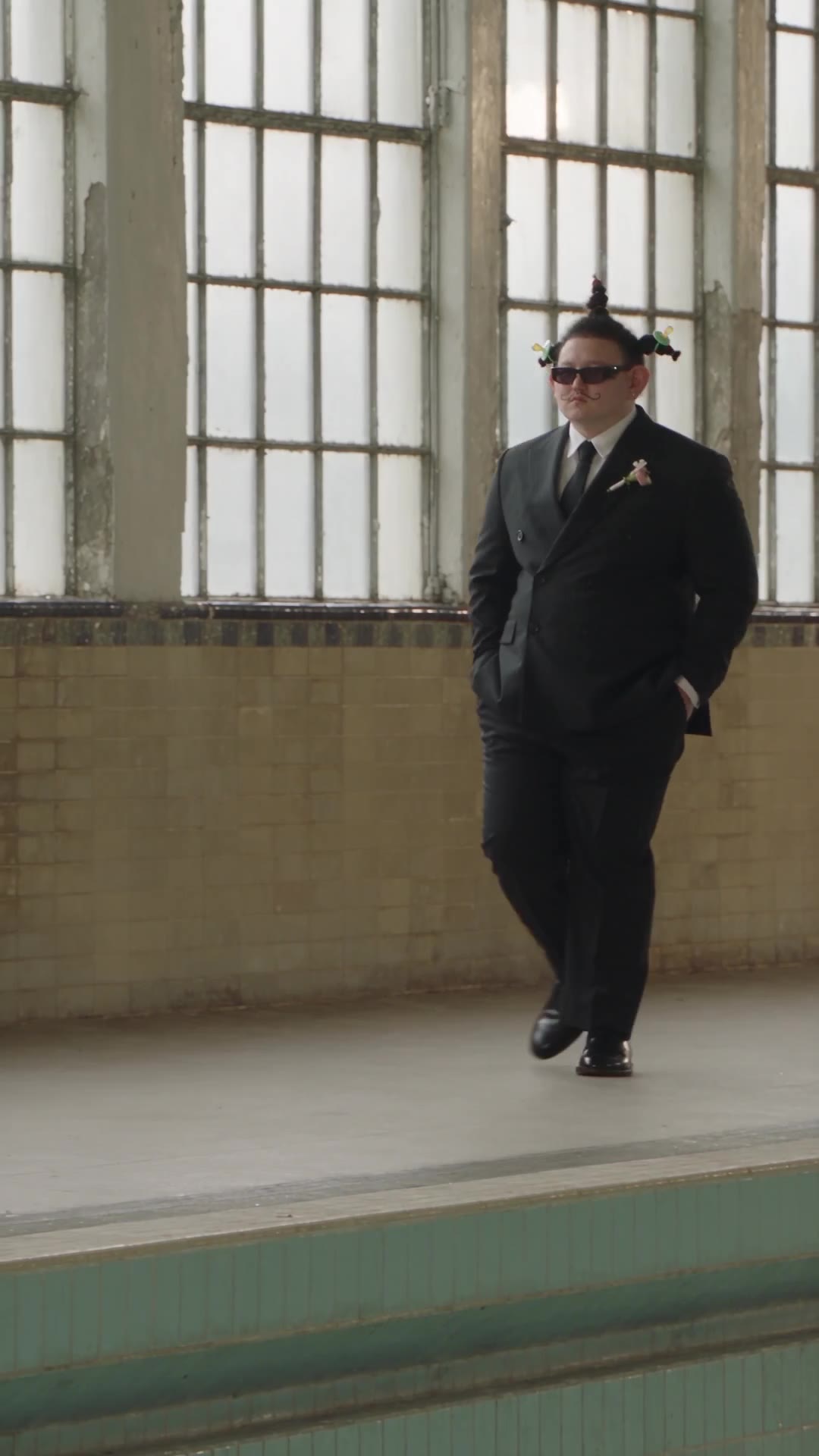 Pool Runway
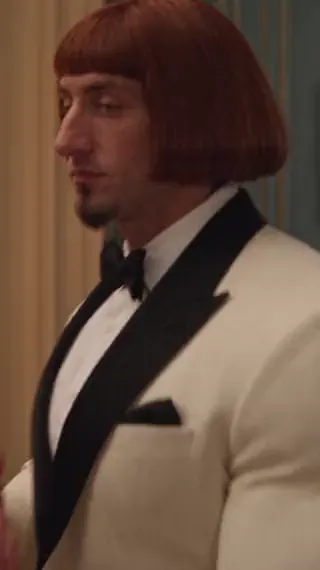 Ballroom Entrance
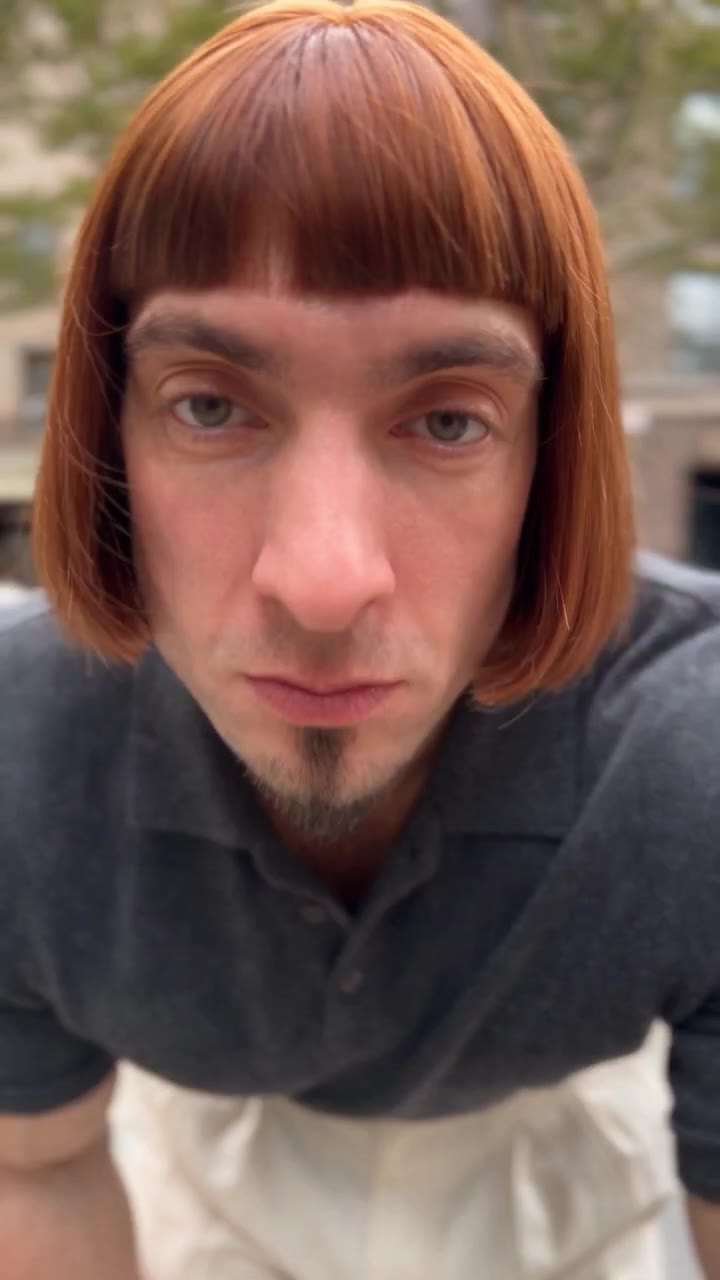 Selfie Talk
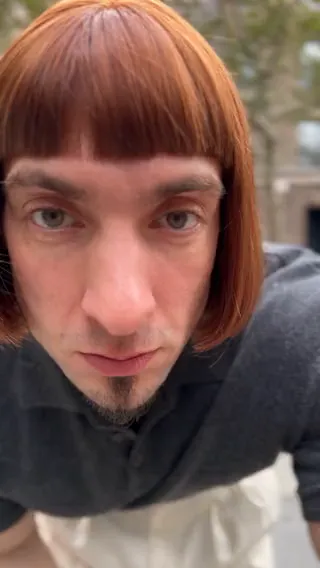 Sidewalk Groove
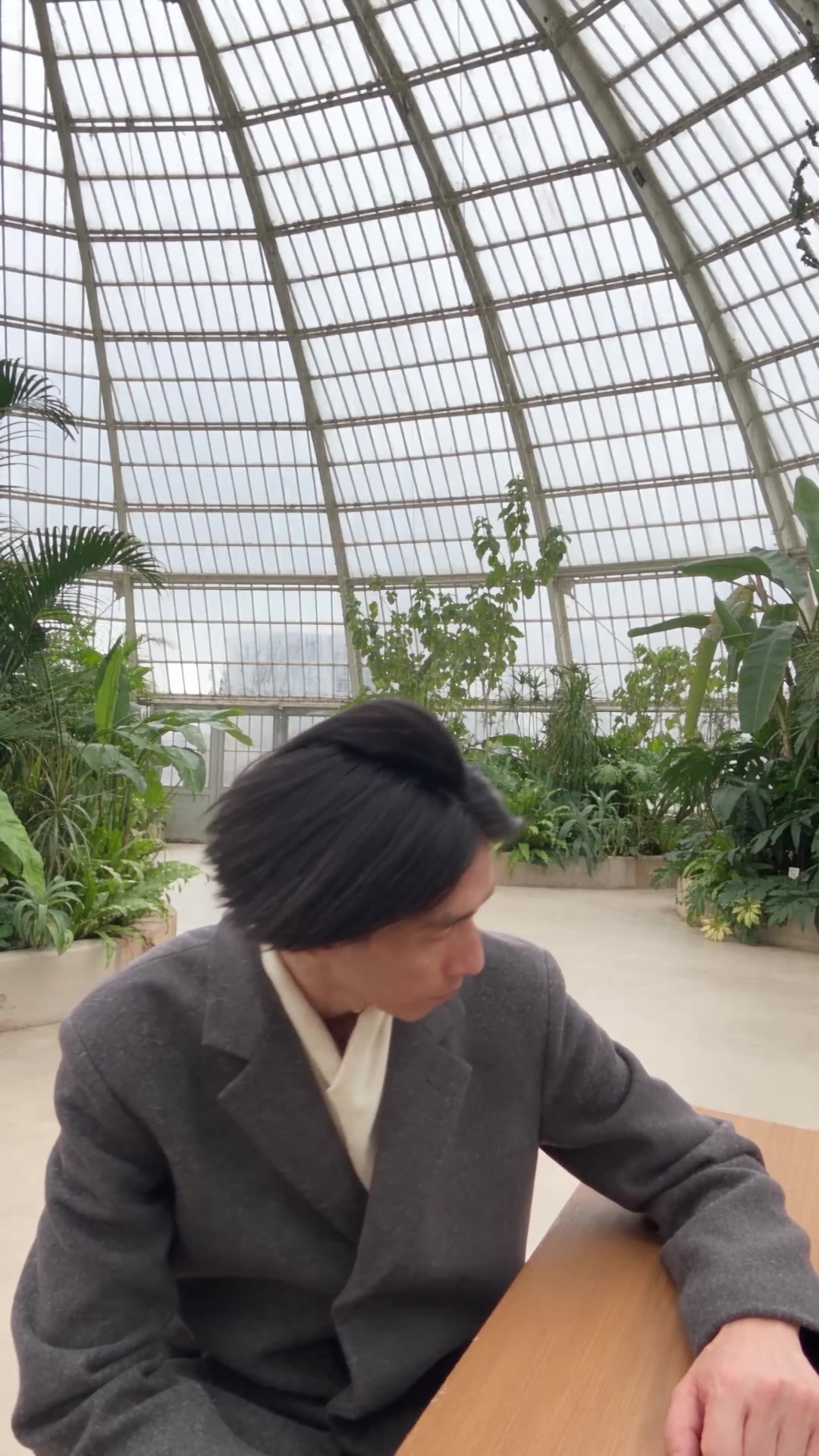 Greenhouse Groove
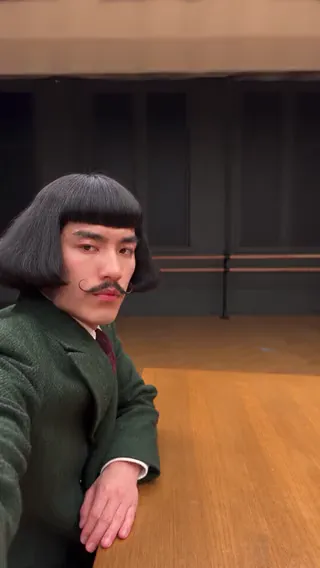 Green Suit Shuffle
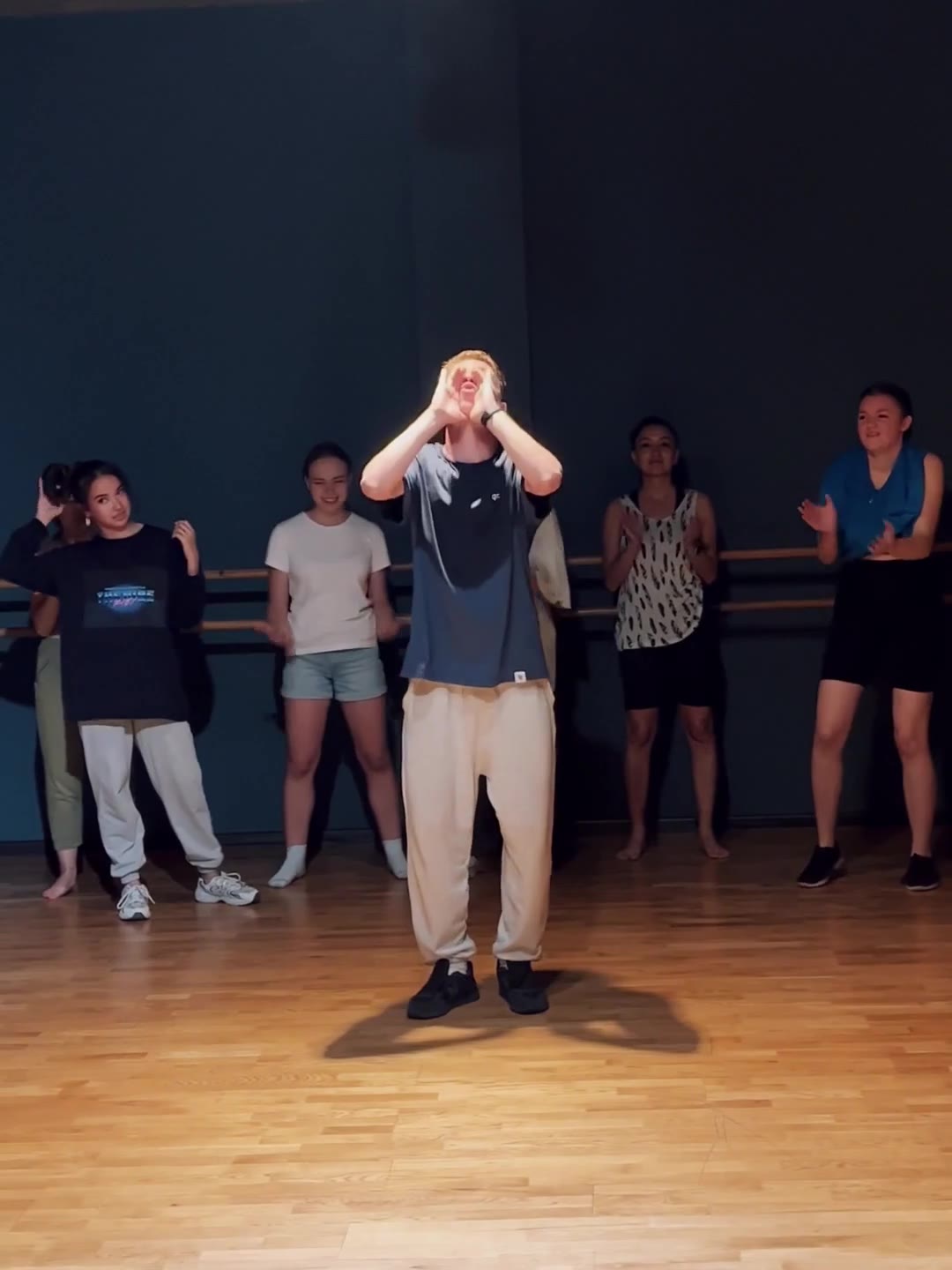 Studio Dance Class
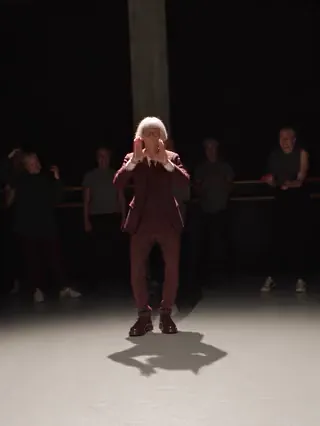 Stage Spotlight Solo
The same motion with your character, your product and your setting.
You provide a reference video and one or more images. The AI keeps the motion and camera work from the video and replaces the person, product or outfit with what you provide.
Use a video between 4 and 30 seconds long. Clear subjects and complete movements give better results. You can also use a featured motion from the library.
Motion transfer has your character perform the moves from the reference video. Object swap keeps the original footage and only replaces the person, product or outfit you choose, leaving the rest of the scene unchanged.
It depends on the model, up to 9. In the prompt, use @image1, @image2 and so on to say what each image is for.
Generations use credits, and the cost depends on the model, quality and video length. You see a credit estimate before you generate, and your results are kept in History.