

インタラクティブ 3D ライトで写真を再ライティング
Control key light direction, elevation, hardness, brightness, and color tint on an interactive sphere—then render studio-grade relighting.
設定を試せます。アップロードまたは生成でワークスペースが開きます。
使い方
Upload your photo
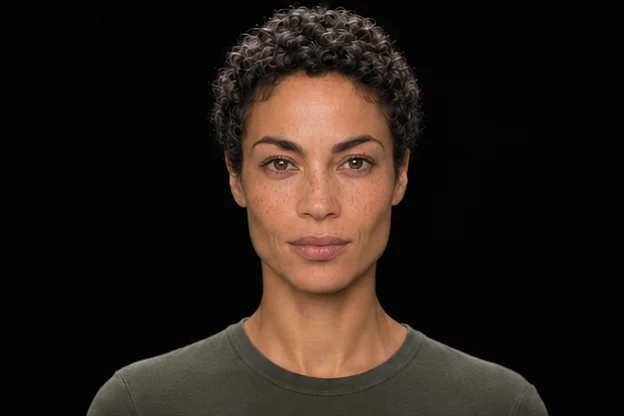
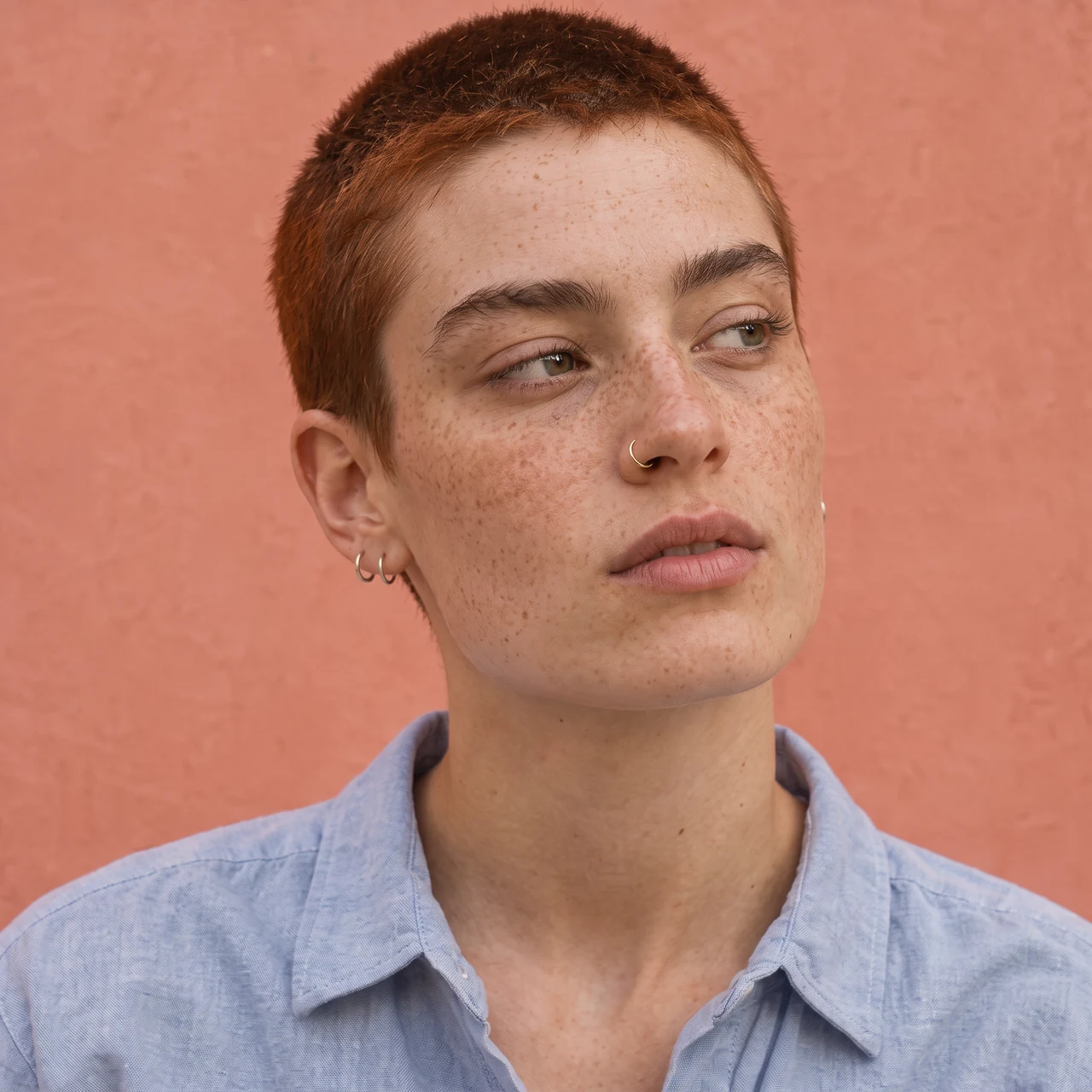
Drop or paste a portrait, product shot, or editorial frame.
Dial in the light
Drag the 3D sphere or pick quick directions, soft/hard quality, 1% brightness steps, and light color.
Render & compare
Preview shading live, pick your model in Advanced Settings, and render the final relit image.
主な機能
Interactive 3D light sphere
Drag azimuth and elevation freely or jump to Front, Top, Side, Back, or Rim presets.
Soft & hard studio lighting
Switch between diffused beauty light and crisp directional hard light with colored gels.
Model choice & live preview
See instant 3D shading feedback and switch relight models whenever needed.
自分の素材で試してみませんか?
Prori ワークスペースでリアルタイムプレビューやクレジット見積もり付きですぐに実行できます。
プランを選択
1つのアカウントで Prori の AI 画像・動画ツールをすべて利用可能。月額または年額で透明なクレジット管理。
Nano
-20%The basics to get started.
年額一括 $96
- 基本クリエイティブツール&スタータークレジット
- 最大 1 個の SNS アカウントを管理
Plus
人気 No.1Your everyday Agent for social media and growth.
年額一括 $204
- 全画像・動画モデル対応(Nano Banana Pro, GPT Image, Seedream, Veo, Kling, Seedance 等)
- 最大 30 秒・ネイティブ音声付き動画生成
- 最大 2 個の SNS アカウントを管理
- SNS 運用・マルチプラットフォーム成長ワークフロー対応
Pro
-14%More room for your most demanding workflows.
年額一括 $504
- 全画像・動画モデル対応(Nano Banana Pro, GPT Image, Seedream, Veo, Kling, Seedance 等)
- 最大 30 秒・ネイティブ音声付き動画生成
- 最大 5 個の SNS アカウントを管理
- 大量制作・チーム向けの大容量クレジット枠
Max
-15%More room for your most demanding workflows.
年額一括 $1,008
- 全画像・動画モデル対応(Nano Banana Pro, GPT Image, Seedream, Veo, Kling, Seedance 等)
- 最大 30 秒・ネイティブ音声付き動画生成
- 最大 6 個の SNS アカウントを管理
- 大量制作・チーム向けの大容量クレジット枠
よくある質問
Does Relight change the subject or only the lighting?
It preserves the subject, framing, and scene details while reshaping shadows, highlights, and color cast.
Can I choose warm golden-hour or neon gel colors?
Yes. Use the color picker or enter any HEX code to tint the key light.
Can I switch between models for relighting?
Yes. Expand Advanced Settings in the Relight panel to switch among available relight models and add scene mood notes.
関連ツール


その他の AI 機能を見る
- AI 顔入れ替え
- キャラクター入れ替え
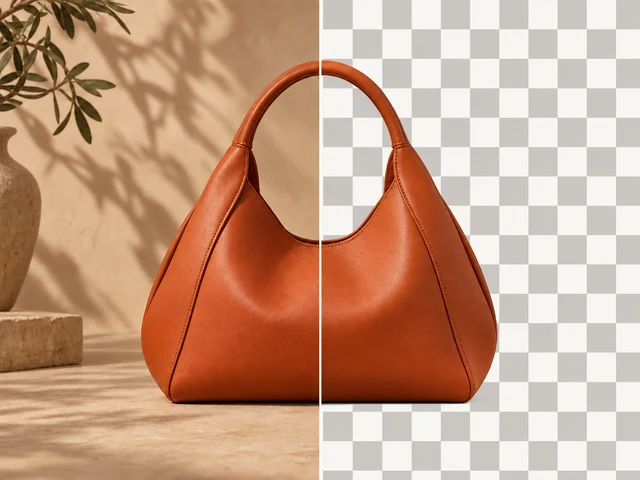
- AI 背景透過・削除
- AI 文字消し
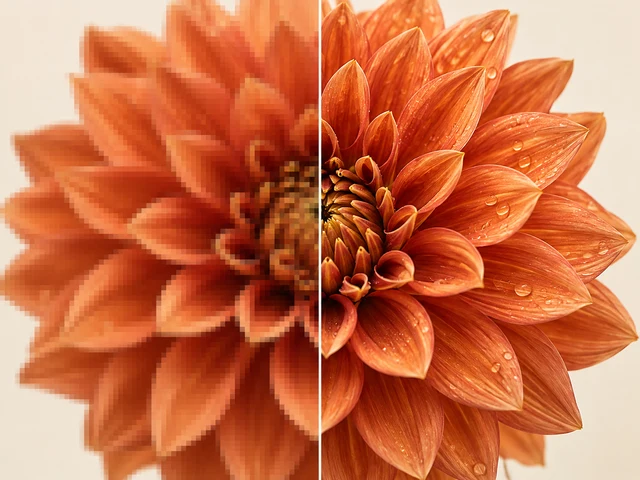
- AI 高画質化
- AI 画像アップスケール
- AI インペイント&レイヤー
- AI フォトダンプ
- キャラクター作成
- シネマティックカメラ
- AI 画像キャンバス
- サムネイルスタジオ
- ストーリーアトラス
- Meme Riff ミーム生成
- ショート動画スタジオ
- シネマスタジオ
- トーキングポートレート
- ナレーションスタジオ
- 3D シーン動画
- 解説動画メーカー
- クリエイティブキャンバス
- ミクストメディア動画
- AI 動画編集
- AI 動画アップスケール
- AI 動画リフレーム
- URL から広告動画
- 動画カラーパレット
- スケッチから動画
- スケッチ動画編集
- マンガマスター
- AI インフルエンサー
- ビジュアルエフェクト
- コンテンツファクトリー
- モーション制御
- RiftCut