
MacSIM by Studio Practice
Preview any URL on every Mac screen at once
What is MacSIM by Studio Practice?
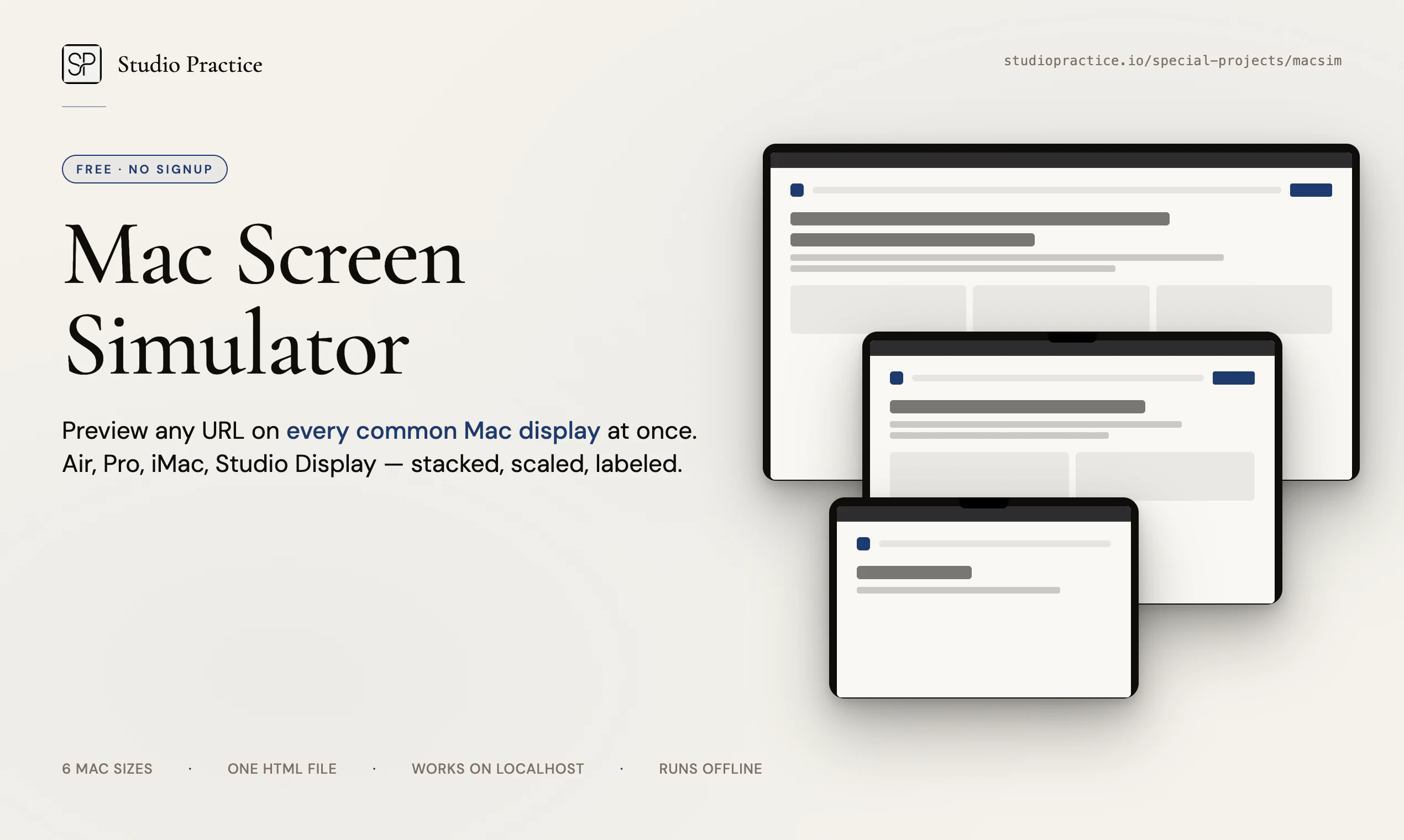
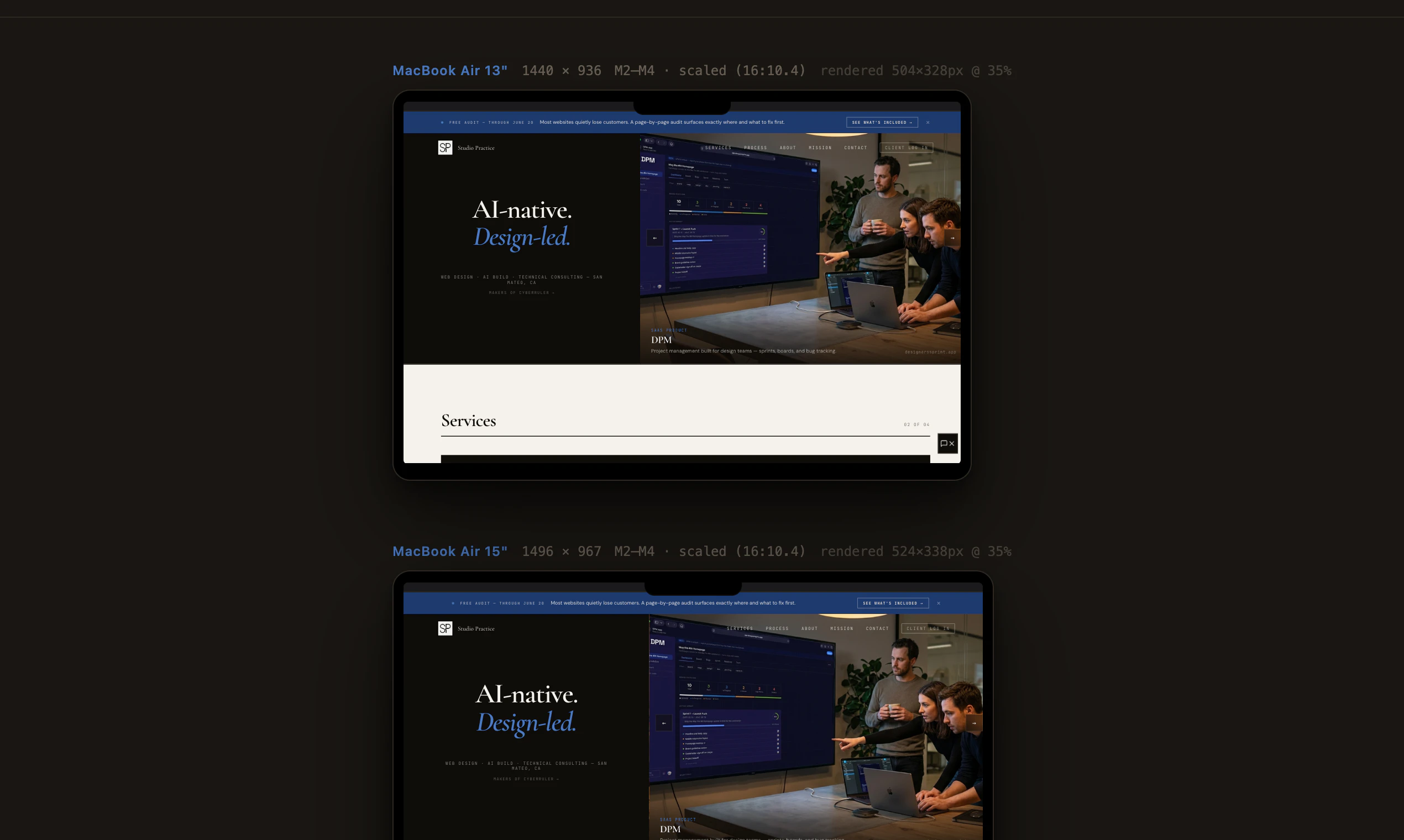
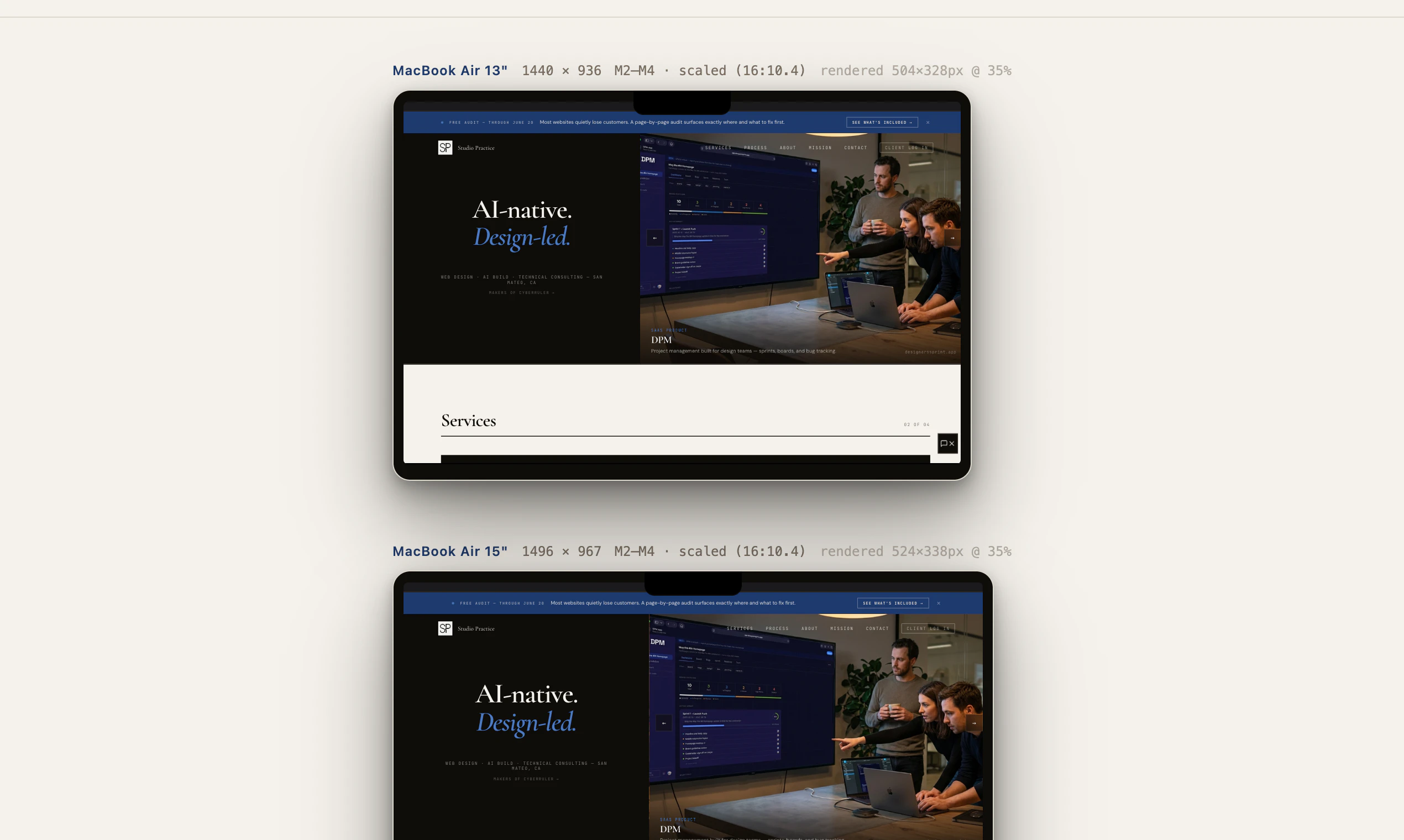
Paste any URL. See it rendered across all six common Mac display sizes — MacBook Air 13 and 15, MacBook Pro 14 and 16, iMac 24, and Studio Display 5K — stacked, scaled, and labeled. The notch and menu bar are where Apple puts them, so what you see matches a real fullscreen browser. Single HTML file. No signup, no tracking, no build step. Works with localhost. Download once and it runs offline forever.
From the website
Mac Screen Simulator — Studio Practice
Preview any website at MacBook Air 13", 15", MacBook Pro 14", 16", and Studio Display 5K dimensions side by side. A small tool by Studio Practice. Download to use offline.
Visit Website →Screenshots
?
No comments yet. Be the first!