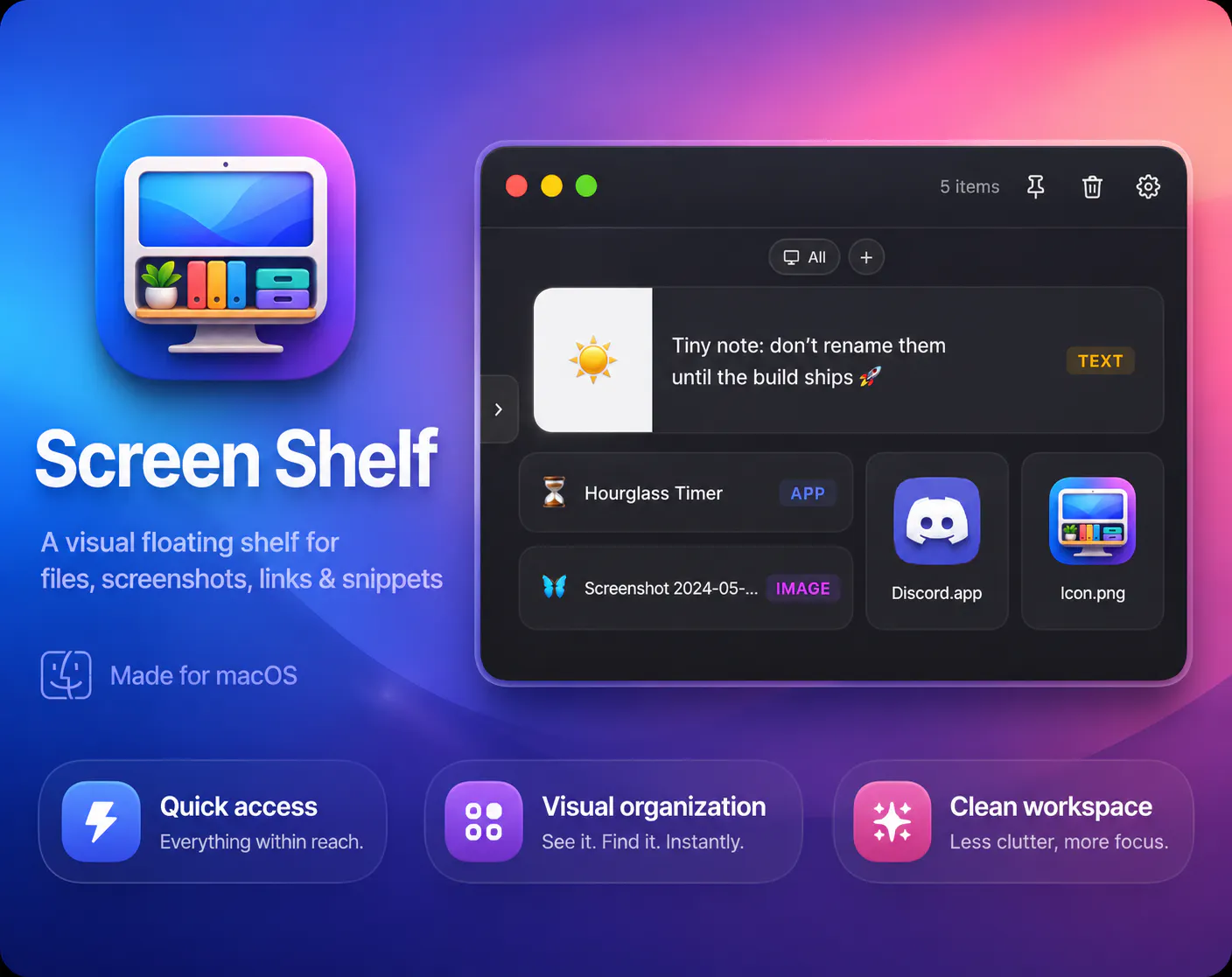
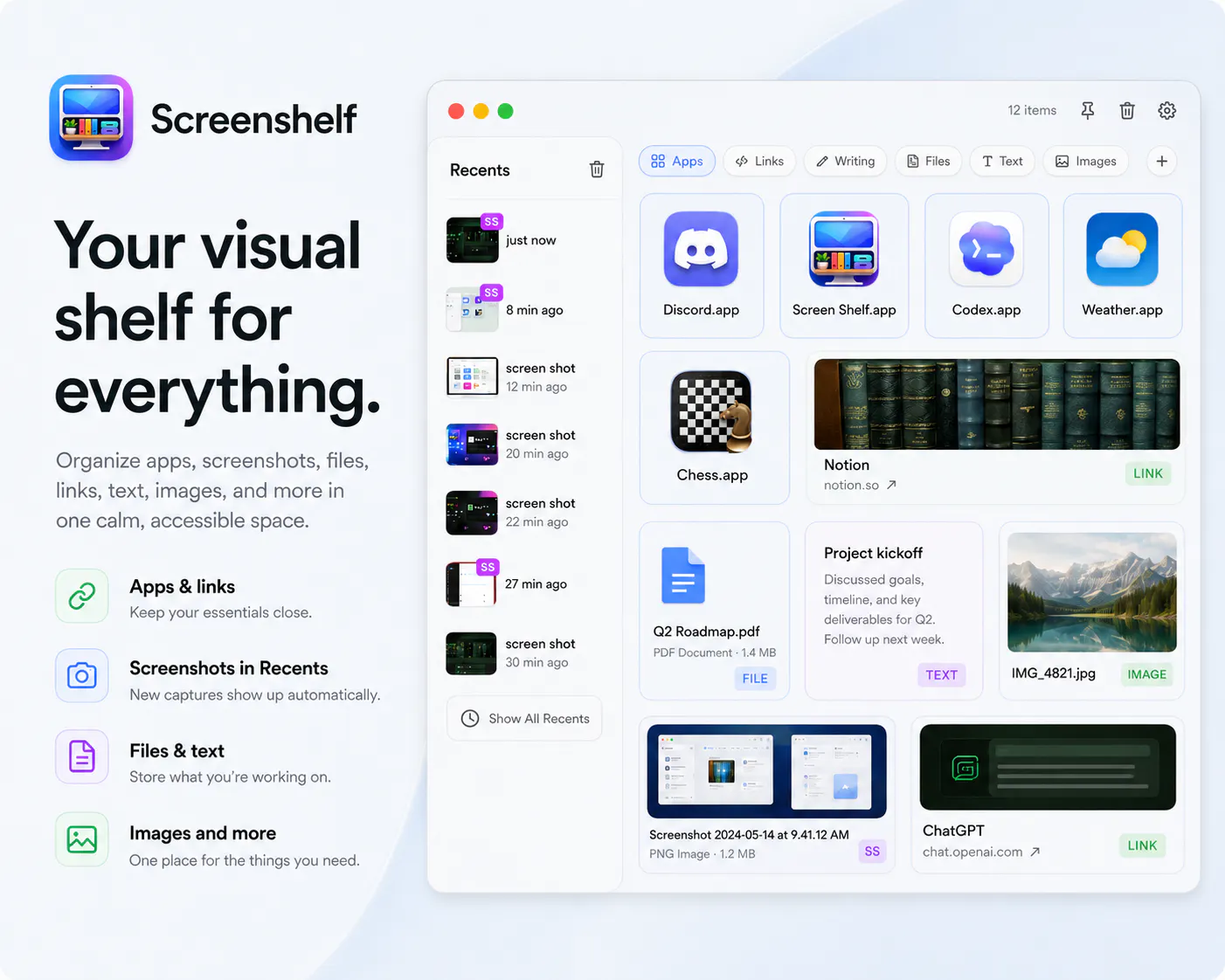
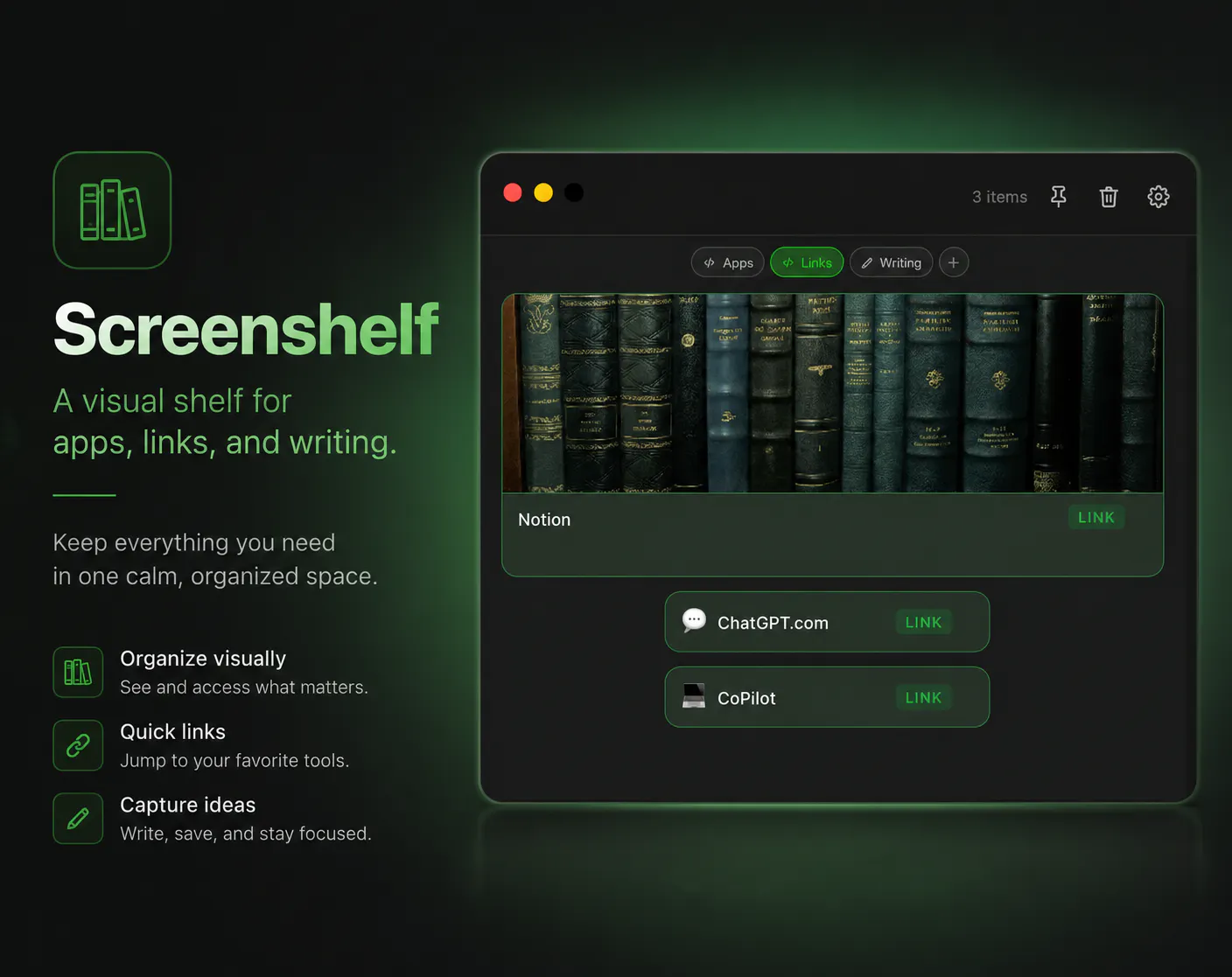
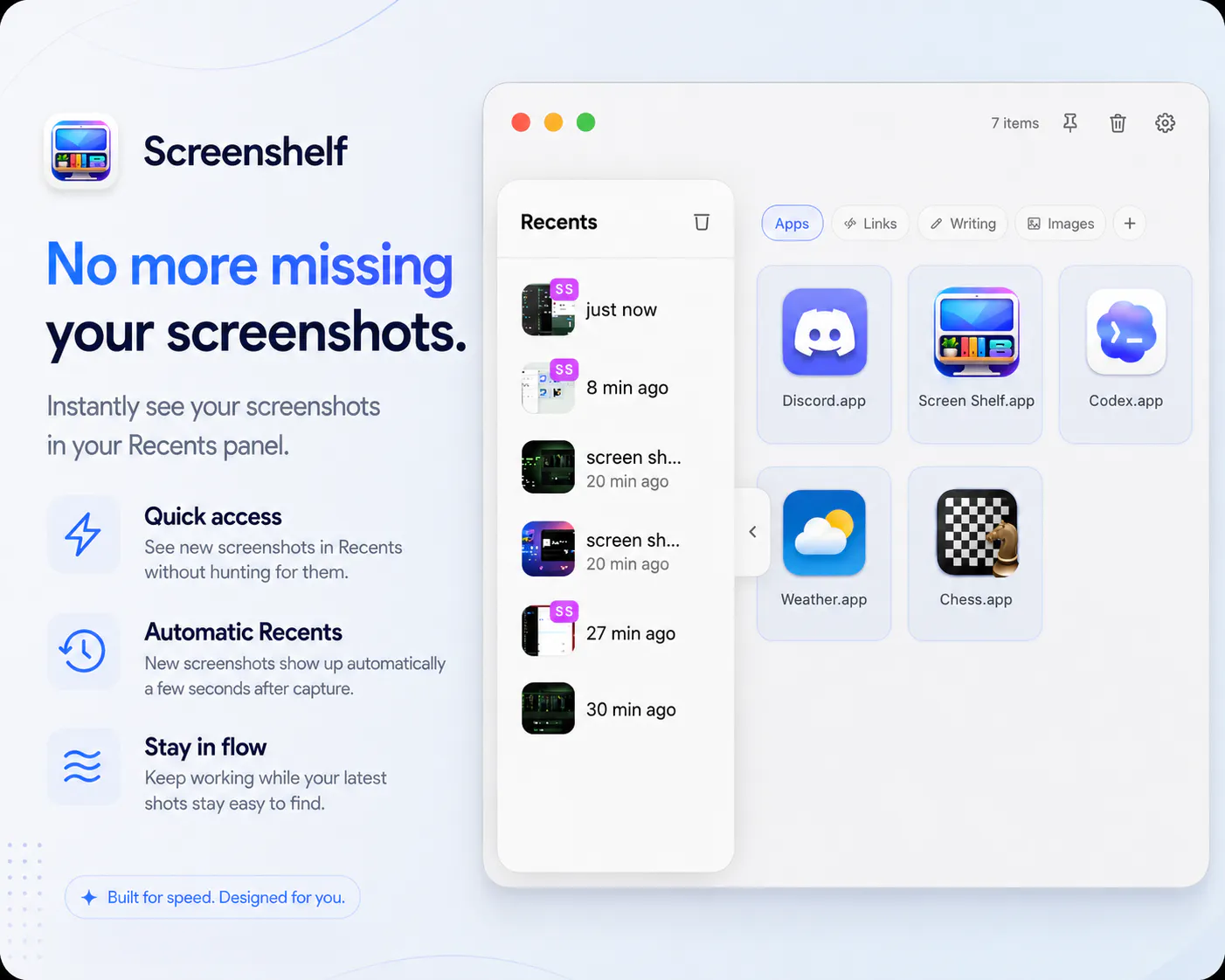
ScreenShelf stands out by acting as a simple visual “in-between” space for the things you’re actively working with, instead of trying to replace Finder or a clipboard manager. You can drop in files, folders, screenshots, links, apps, text snippets, and more. It also includes customization features like multiple view styles, custom item colors, keyboard shortcuts, Always on Top, and Option-drag to remove items after dragging them out.
아직 댓글이 없어요. 가장 먼저 남겨보세요!
Screen Shelf에 대한 X의 실제 대화
X에 게시