



SnapReply for Gmail
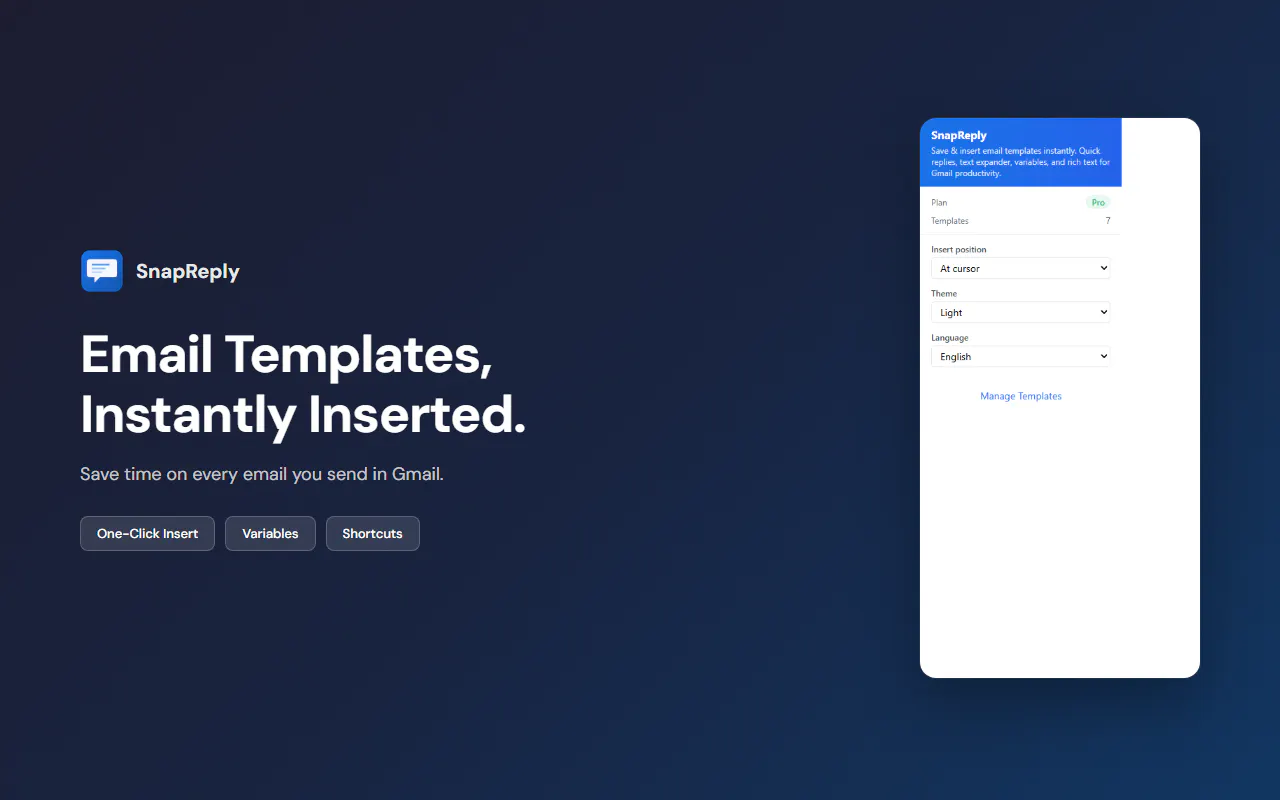
Save hours on email with one-click Gmail templates
SnapReply for Gmail とは?
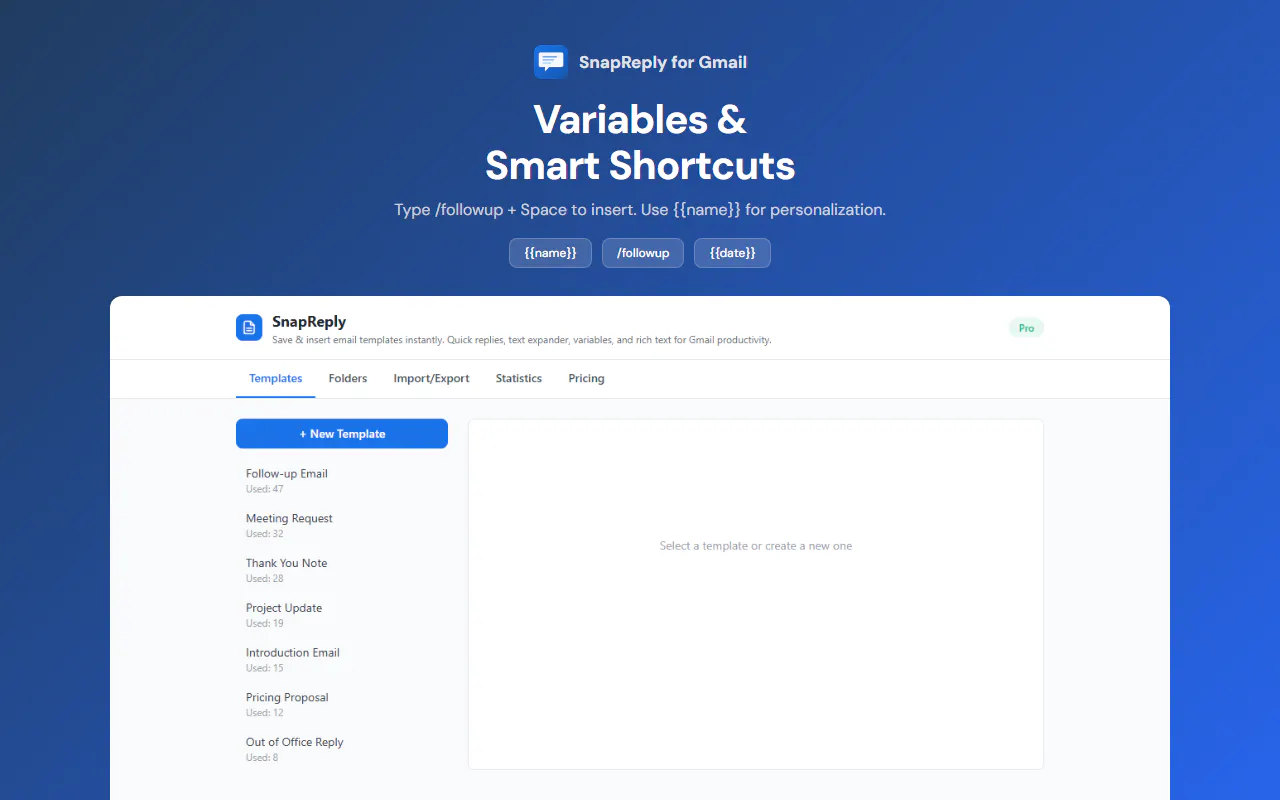
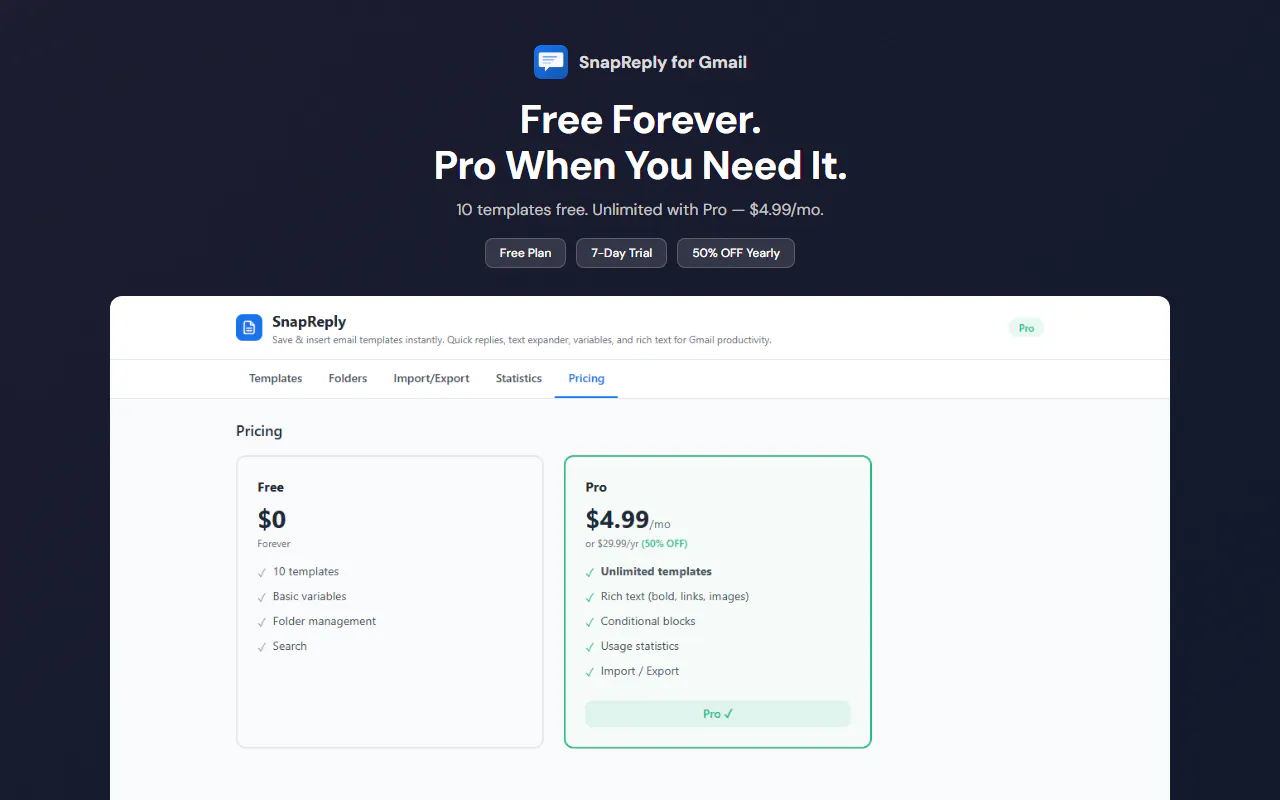
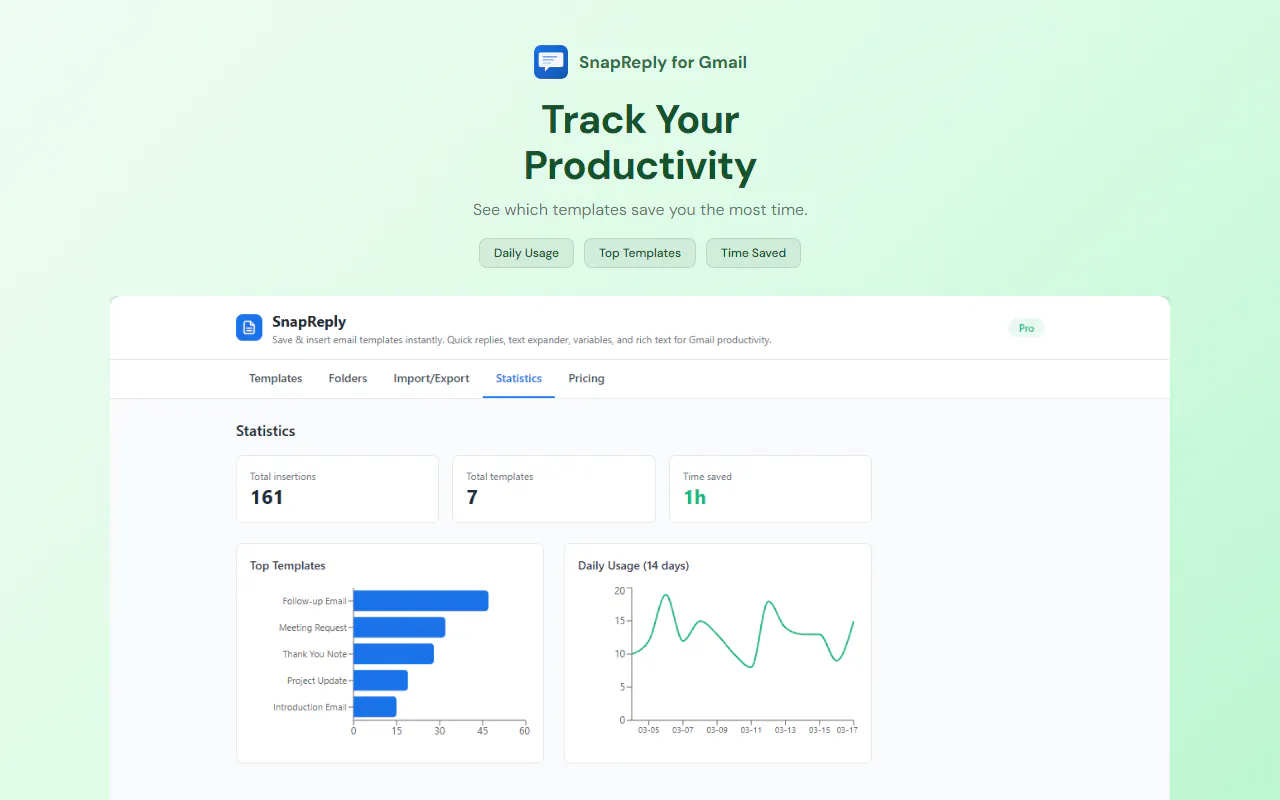
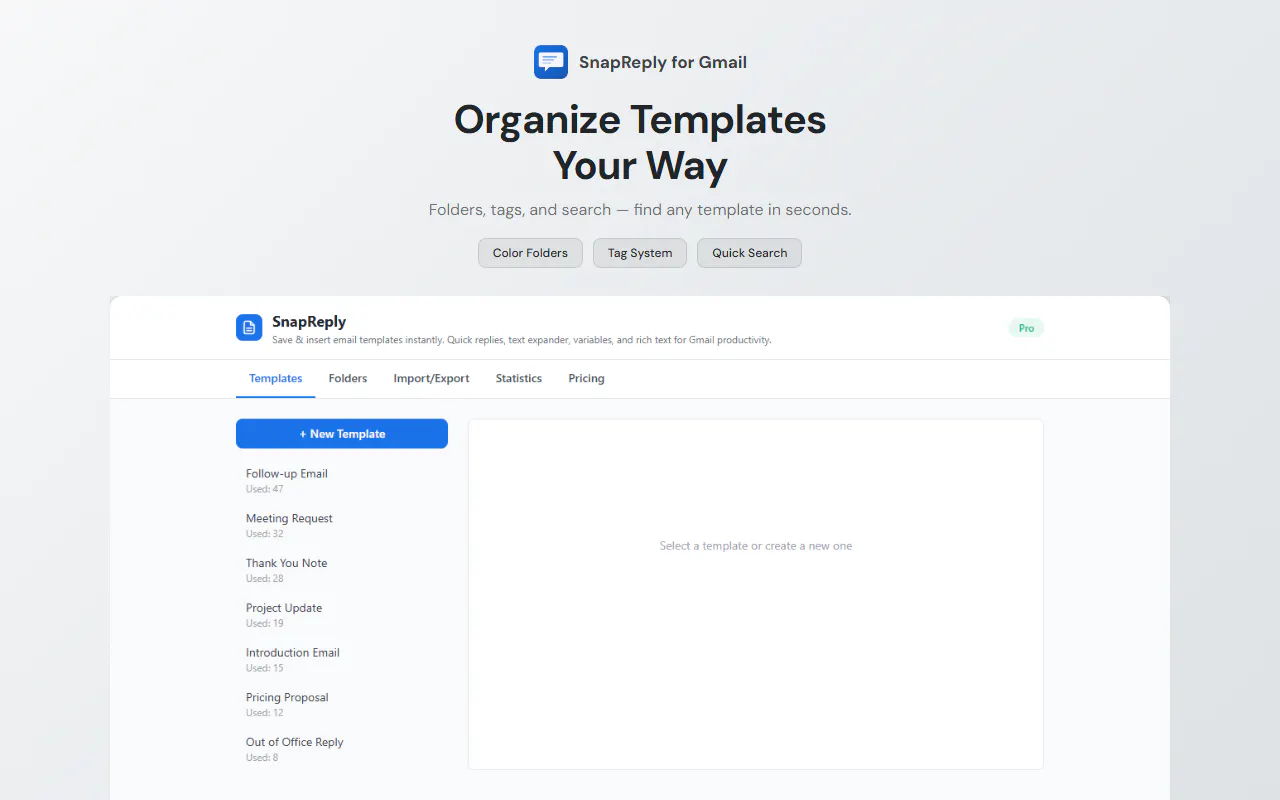
Gmail's built-in templates are buried and outdated. SnapReply puts a template button right in the compose toolbar. **How it works:** Save a template, click to insert. Or type `/followup` in compose and it appears instantly. - Smart variables (`{{name}}`, `{{date}}`) auto-fill or prompt on insert - Rich text & conditional logic (Pro) - Usage analytics to track time saved (Pro) Free for 10 templates. All data stays in your browser.
スクリーンショット
?
まだコメントはありません。最初のひとりになりましょう!
SnapReply for Gmail に関する X でのリアルな声
X に投稿